
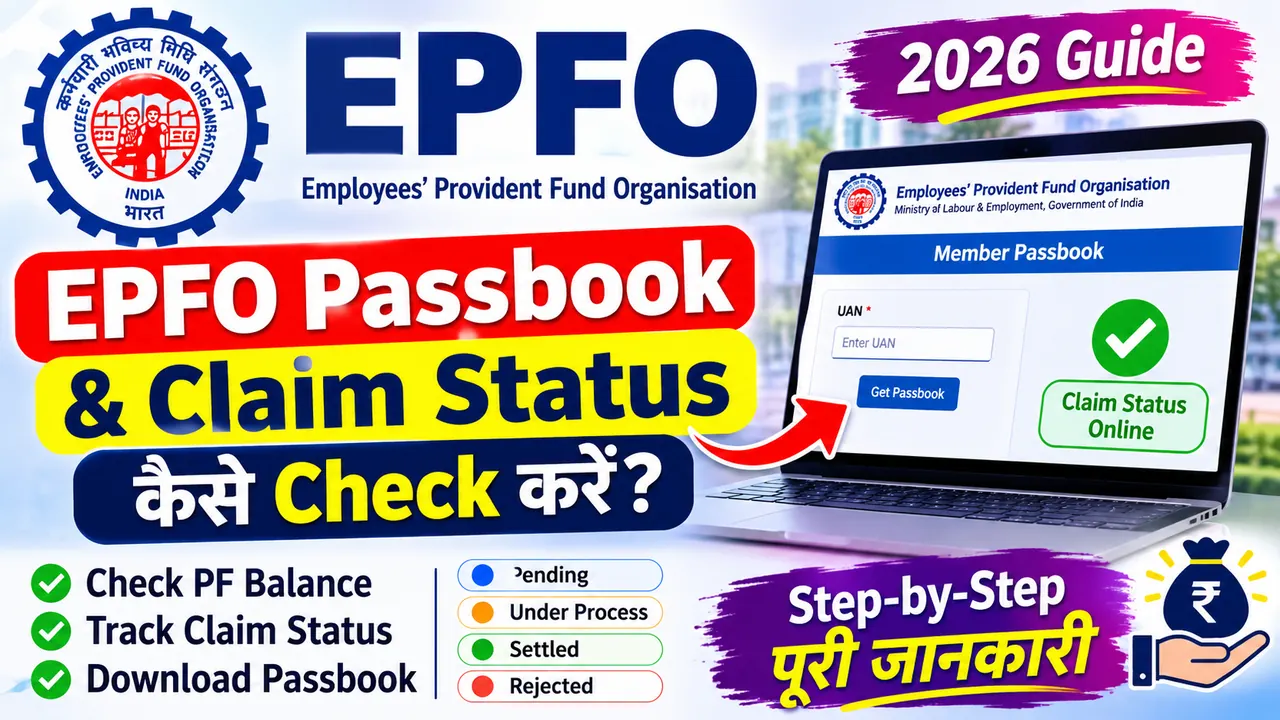
EPFO Passbook Balance Not Updated: Reasons and Solutions
If your EPF passbook balance is not updated or your latest monthly contribution is missing, there may be a delay in posting, an issue with the employer contribution filing, or a problem related to your PF account. A balance that has not changed does not automatically mean that your PF money has been lost.
Employees can use the official EPFO Member Passbook portal to check their contribution history, withdrawals and available balance. EPFO has also introduced Passbook Lite in the Member Portal to provide a simplified summary of contributions and account details.
In this guide, you will learn why your EPFO passbook balance may not be updated, how to check missing contributions and what steps to take if the issue continues.
Why Is My EPFO Passbook Balance Not Updated?
There can be several reasons why your EPF balance does not show the latest contribution or appears unchanged. Some common reasons are explained below.
1. Employer Has Not Filed the Monthly ECR
Employers report employees’ monthly PF contributions through the Electronic Challan-cum-Return (ECR) system. If the employer has not completed the required filing or payment process for a wage month, the corresponding contribution may not appear in your passbook.
Solution: Contact your company’s HR or payroll department and ask whether the ECR for the missing wage month has been filed and the contribution payment has been completed.
2. Delay in Updating the EPFO Passbook
Sometimes, contributions may take time to become visible in the passbook because of processing, reconciliation or technical issues. A recently missing entry should not immediately be treated as proof that the employer has failed to deposit the contribution.
Solution: Check the passbook again later. If the entry remains missing, contact your employer and request confirmation of the ECR filing and payment details.
3. You Are Checking the Wrong Member ID
When you change jobs, a new Member ID may be linked to your existing UAN. Your previous employer’s contributions and your current employer’s contributions may therefore appear under different Member IDs.
Solution: Log in to the EPFO Passbook portal and select the correct Member ID for the employer and employment period you want to check.
4. Previous PF Balance Has Not Been Transferred
After changing jobs, your old PF balance may continue to appear under your previous Member ID until the transfer process is completed and the relevant records are updated.
Solution: Check your PF transfer claim status through the official Member Portal. If the transfer is completed, review the passbook and transfer details to confirm that the amount and service information are reflected correctly.
5. Employer Has Deducted PF but Has Not Deposited It
Your salary slip may show an employee PF deduction even when the corresponding contribution is not visible in your EPFO passbook. Salary deduction and credit to your EPF account are separate steps.
Solution: Compare your salary slips with the passbook. Ask your employer to verify the ECR, challan and payment status for the missing month. If the employer does not resolve the issue, you can raise a grievance with EPFO.
6. EPFO Website or Passbook Portal Has a Technical Issue
The passbook portal may sometimes experience technical problems, maintenance or temporary service interruptions. In such cases, the balance or latest entries may not load correctly.
Solution: Try accessing the portal again after some time. You can also check the simplified Passbook Lite facility through the EPFO Member Portal.
7. Your Establishment Is Exempted from EPFO Passbook Facility
Some establishments manage their employees’ provident fund through an approved exempted PF trust. EPFO’s official member FAQ explains that the regular EPFO passbook may not be available for members working in such establishments.
Solution: Contact your employer or the PF trust to obtain your PF statement and contribution details.
How to Check Your EPFO Passbook Balance
Follow these steps to check your latest PF contribution and available balance:
- Visit the official EPFO Member Passbook Portal.
- Enter your UAN, password and the displayed captcha.
- Log in to your account.
- Select the relevant Member ID linked to your employer.
- Open the passbook and check the contribution entries for the required wage months.
- Compare the employee share, employer share and other available details with your salary records.
You can also visit the EPFO Member Portal and use the Passbook Lite facility for a simplified summary of contributions, withdrawals and balance.
What Should You Do If Your Monthly PF Contribution Is Missing?
If your latest PF contribution is not visible, follow this practical checklist:
- Check your salary slip: Confirm whether PF was deducted from your salary for the missing month.
- Verify the correct Member ID: Make sure you are checking the account associated with your current employer.
- Contact HR or payroll: Ask whether the monthly ECR was filed and the contribution payment was successfully completed.
- Request supporting details: If the employer confirms payment, ask for the relevant challan or payment confirmation details.
- Check your passbook again: Review the account after the employer and EPFO processing details have been verified.
- Raise an EPFO grievance: If the issue remains unresolved, submit a complaint through the official EPFiGMS portal.
How to Raise a Complaint If Your EPF Balance Is Not Updated
If your employer does not resolve the missing contribution issue or your passbook continues to show incorrect details, you can submit a grievance through the Employees’ Provident Fund Organisation’s official grievance portal.
Steps to File an EPFO Grievance
- Visit the EPFiGMS Official Grievance Portal.
- Select the option to register a grievance.
- Provide the required UAN and other requested details.
- Choose the appropriate grievance category related to your PF contribution or passbook issue.
- Clearly mention the missing wage month, employer details and the nature of the problem.
- Upload relevant documents, such as salary slips or employer communication, if required.
- Submit the grievance and save the registration number for future tracking.
EPFO’s Citizen Charter provides a general target of seven working days for grievance redressal. This is a service target, not a guarantee that every complaint will be resolved within that period. The actual time may depend on the nature of the issue and the verification required.
Does EPF Interest Update Every Month?
No. The EPF interest rate is declared for a financial year and interest is calculated according to the applicable EPF provisions. The interest credit entry in the passbook may not appear every month along with regular employer contributions.
Therefore, if your monthly contribution entries are visible but the interest amount has not been separately credited, this alone does not necessarily indicate an error. Check official EPFO announcements for interest-related updates.
Difference Between PF Contribution and Interest Credit
| Details | Meaning |
|---|---|
| Employee Contribution | PF amount deducted from the employee’s eligible salary. |
| Employer Contribution | Employer’s contribution under the applicable EPF provisions, including the applicable allocation to EPF and EPS. |
| Interest Credit | Interest calculated and credited according to the applicable EPF rules and declared rate. |
| PF Withdrawal | Amount withdrawn from the PF account through an eligible claim. |
| PF Transfer | Transfer of eligible PF accumulations from a previous Member ID to another account. |
Important Things to Remember
- Do not assume that your PF money is lost only because the passbook has not been updated.
- Always compare your passbook with salary slips and employer contribution details.
- Ask your employer to verify the ECR filing and payment for missing months.
- Check the correct Member ID, especially after changing jobs.
- Use only official EPFO websites for passbook access and grievances.
- Never share your UAN password, Aadhaar, PAN, bank details or OTP with unknown callers or agents.
- EPFO does not ask members to pay agents for updating passbook entries or resolving contribution issues.
Frequently Asked Questions (FAQs)
1. Why is my EPFO passbook balance not updated?
Your passbook may not be updated because of a delay in contribution posting, pending employer ECR filing or payment, a technical issue, or because you are checking the wrong Member ID. Verify the details with your employer and EPFO.
2. My salary slip shows PF deduction, but my passbook does not. What should I do?
Contact your HR or payroll department and ask them to verify the ECR filing and contribution payment for that month. Keep your salary slip as supporting evidence. If the matter is not resolved, raise a grievance through EPFiGMS.
3. Does EPFO update the passbook every month?
Passbook entries reflect contributions and transactions reported and processed by EPFO. The timing of an entry may vary, so a recent contribution may not appear immediately.
4. Why is my old PF balance not showing after changing jobs?
Your previous balance may still be associated with your old Member ID if the transfer has not been completed. Check your transfer claim status and the passbook for the relevant Member IDs.
5. Can I check my PF balance without opening the passbook portal?
Yes. EPFO introduced Passbook Lite in the Member Portal, which provides a simplified summary of contributions, withdrawals and balance. Log in through the official EPFO Member Portal.
6. How can I complain about a missing PF contribution?
You can register a complaint through the official EPFiGMS grievance portal. Mention the missing wage month and attach relevant salary or employer records where appropriate.
7. Why is EPF interest not showing in my passbook?
EPF interest is calculated according to the applicable provisions and credited separately from monthly contributions. It may not appear as a monthly entry. Check official EPFO announcements for updates.
8. Is an EPFO passbook update service available through private agents?
Members should use official EPFO services. Do not share personal credentials or pay unknown agents claiming to update PF balances or contributions.
Conclusion
If your EPFO passbook balance is not updated, first check the correct Member ID and compare your passbook with your salary slips. Then ask your employer to verify the ECR filing and payment for the missing wage month. If the issue continues, use the official EPFiGMS grievance portal to contact EPFO.
Regularly reviewing your PF passbook and keeping salary records can help you identify missing contributions early and resolve discrepancies more effectively.


