
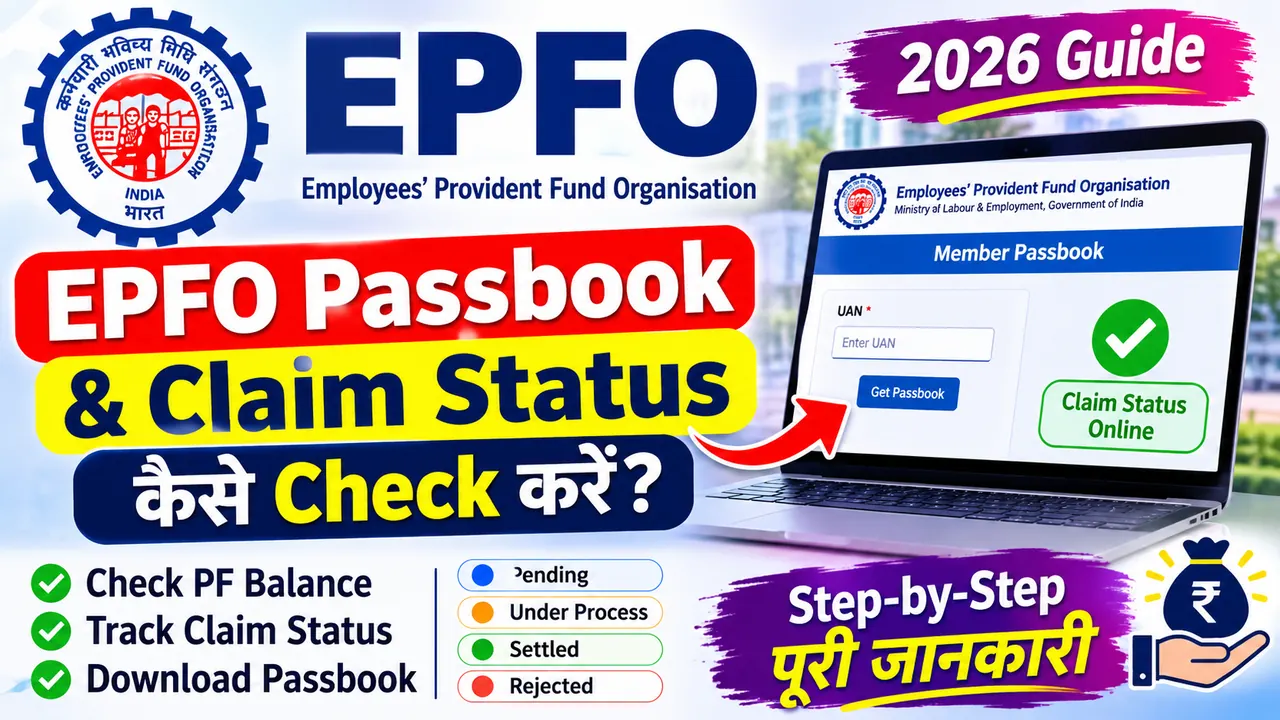
How to Check PF Transfer Status Online: Complete EPFO Guide
Have you changed your job and submitted a request to transfer your old Provident Fund (PF) balance to your new PF account? You can check the status of your PF transfer online through the official Employees’ Provident Fund Organisation (EPFO) Member Portal.
When you change employers, your previous EPF account may need to be transferred to your current account. After submitting an online transfer claim, it is important to track whether the request has been processed, is awaiting action, or requires attention.
In this guide, you will learn how to check PF transfer status online, understand the transfer process, verify transferred contributions in your passbook, and find out what to do if your transfer is pending or rejected.
What Is PF Transfer?
PF transfer is the process of moving the accumulated Employees’ Provident Fund (EPF) balance from your previous employer’s PF account to your current employer’s PF account.
When you change jobs, your new employer may provide a new Member ID under your existing Universal Account Number (UAN). A transfer request helps consolidate your previous PF savings and service details with your current employment account, subject to applicable EPFO rules.
1. How to Check PF Transfer Status Online Through EPFO Portal
You can check your online PF transfer claim status by logging in to the official EPFO Member e-Sewa Portal.
Steps to Check PF Transfer Status
- Visit the official EPFO Member e-Sewa Portal.
- Enter your UAN and password.
- Complete the captcha verification, if displayed.
- Log in to your member account.
- Open the Online Services or Claim section, depending on the portal interface.
- Select View Status of Transfer Claim or the corresponding transfer claim status option.
- Check the status of your submitted PF transfer request.
EPFO’s official process-flow document describes the Member Portal option named "View status of Transfer Claim" under the Claim menu. The wording or location of options may change as the portal is updated.
2. How to Check PF Transfer Status Through EPFO Passbook
You can also verify whether the transferred PF amount has appeared in your current account by checking your EPF passbook.
Steps to Check Transfer Entries in Passbook
- Open the official EPFO Passbook Portal.
- Log in using your UAN and password.
- Select your current PF Member ID.
- Open the available passbook.
- Look for transfer-in or previous account transfer entries, if displayed.
- Compare the available transferred amount with your previous PF account records.
Important: A transfer request status and a passbook entry are two different ways of checking progress. The passbook helps verify account entries, but the absence of a visible entry alone does not prove that the transfer request has been rejected.
3. How to Check PF Transfer Status Without Logging In
The detailed online transfer claim status is generally available through the authenticated EPFO Member Portal. EPFOs missed-call and SMS facilities are intended for balance enquiries, not for checking the complete PF transfer claim status.
If you cannot log in, try the following options:
- Use the official Member e-Sewa Portals password recovery facility.
- Check your registered mobile number and UAN details.
- Contact your employers HR or payroll department for assistance.
- Raise a grievance through the official EPFiGMS grievance portal if you cannot access the service or need help with your transfer.
4. What Are the Different PF Transfer Statuses?
The status displayed on the EPFO portal indicates the progress of your transfer request. The exact wording can vary depending on the stage of processing and portal updates.
| Status or Stage | Meaning | What You Should Do |
|---|---|---|
| Submitted | Your transfer request has been submitted online. | Keep the claim details and check the portal for updates. |
| Pending with Employer | Employer-related verification or action may still be required. | Contact the relevant employers HR or PF department. |
| Under Process | The request is being processed by the relevant authority. | Monitor the status and wait for an update. |
| Approved or Accepted | The request has passed the relevant approval stage. | Check for subsequent processing and passbook entries. |
| Rejected | The transfer request was not accepted. | Read the rejection reason and correct the issue before taking further action. |
| Settled or Completed | The transfer claim has been recorded as completed in the system. | Verify the transfer entry in the relevant PF passbook. |
These descriptions are general explanations of common processing stages, not a guarantee that every label will appear exactly as shown on the portal.
5. How to Transfer PF From Previous Employer to New Employer
If you have not submitted a transfer request yet, follow the official EPFO online transfer process, subject to your accounts eligibility.
Steps to Submit an Online PF Transfer Request
- Open the EPFO Member e-Sewa Portal.
- Log in using your UAN and password.
- Check whether your previous Member ID and current Member ID are available in the EPFO system.
- Go to the Claim or Online Services section.
- Select the option to request transfer of your PF account.
- Enter the required previous employment details.
- Verify the available personal and employment information.
- Select the available employer attestation option, if applicable.
- Submit the transfer request after checking all details.
- Save the acknowledgement or reference details for future tracking.
The exact options and eligibility requirements depend on your account records and EPFO portal configuration. Read the instructions displayed on the portal before submitting the request.
6. Documents and Details Required for PF Transfer
Before submitting a transfer request, keep the following information available:
- Activated UAN.
- UAN-registered mobile number.
- Previous PF Member ID.
- Current PF Member ID.
- Personal details recorded against your UAN.
- Employment details of your previous and current employers.
- Required KYC information, as applicable.
Make sure your name, date of birth and other personal details are consistent across the relevant records. Differences in personal or employment information may require correction before the transfer can be processed.
7. Why Is Your PF Transfer Status Pending?
Your PF transfer request may remain pending for several reasons. Some common possibilities are:
1. Employer Verification Is Pending
If employer attestation or verification is required for your claim, the request may wait for the relevant employer to complete the required action.
2. Previous Employment Details Are Incorrect
Differences in the previous Member ID, date of joining, date of exit or other employment details may affect transfer processing.
3. KYC or Personal Details Need Correction
Incorrect or inconsistent personal information or KYC records may require correction before the transfer can proceed.
4. Previous PF Account Is Not Available in EPFO Records
If your previous Member ID or account details are not properly available in the EPFO system, additional verification or assistance may be needed.
5. Previous Employer Maintains an Exempted PF Trust
Some establishments maintain an exempted PF trust. Transfers involving such accounts may require additional steps with the trust. Follow the applicable instructions provided by EPFO and the trust.
8. What to Do If PF Transfer Is Rejected?
If your PF transfer claim is rejected, do not submit another request without first understanding the reason for rejection.
- Log in to the EPFO Member Portal.
- Open the transfer claim status section.
- Check the rejection remark or reason, if available.
- Verify your UAN, Member IDs and employment details.
- Contact your current or previous employer if an employer-side correction or verification is required.
- Correct the relevant information through the applicable EPFO process.
- Follow the portal instructions for submitting a fresh or corrected request, if required.
If the rejection reason is unclear or the issue is not resolved, raise a grievance through the official EPFiGMS portal.
9. How to Raise a Complaint for a Pending PF Transfer
If your PF transfer request remains unresolved, you can submit a grievance through EPFO official grievance management system.
Steps to Register an EPFO Grievance
- Visit the official EPFiGMS portal.
- Select the option to register a grievance.
- Enter the requested UAN and personal details, as applicable.
- Choose the relevant PF office or grievance category.
- Explain your transfer issue clearly.
- Attach relevant documents or claim acknowledgement details, if required.
- Submit the grievance and save the registration number.
- Use the portal to track the grievance status.
Keep your transfer claim reference, previous and current Member IDs, and relevant screenshots or documents ready. Do not upload unnecessary sensitive information.
10. Important Things to Remember Before Checking PF Transfer Status
- Use only the official EPFO Member Portal and Passbook Portal.
- Check the transfer claim status using your own UAN credentials.
- Verify that the previous and current Member IDs belong to the correct employment records.
- Check your passbook to verify transfer entries after processing.
- Contact the employer if employer-side verification is pending.
- Use EPFiGMS for unresolved transfer-related complaints.
- Never share your UAN password or OTP with unknown people.
- Do not pay agents who promise to speed up your PF transfer.
Frequently Asked Questions (FAQs)
1. How can I check my PF transfer status online?
Visit the official EPFO Member e-Sewa Portal, log in using your UAN and password, and open the Claim section. Select the View Status of Transfer Claim option or the corresponding transfer status option displayed on the portal.
2. Can I check PF transfer status using UAN?
Yes. You can use your UAN and password to log in to the EPFO Member Portal and check your submitted transfer claim status.
3. Can I check PF transfer status without login?
The detailed transfer claim status is generally available after logging in to the EPFO Member Portal. Missed-call and SMS services are intended for balance enquiries, not complete transfer claim tracking.
4. How do I know whether my old PF account has been transferred?
Check the transfer claim status in the Member Portal and then review your current PF Member ID passbook for transfer-in entries or other relevant transaction details.
5. What does PF transfer under process mean?
It generally means that the transfer request is still being processed. Check the portal for further updates and whether any employer-side action or correction is required.
6. What should I do if my PF transfer is pending with my employer?
Contact the relevant employers HR or PF department and ask whether any verification or attestation is awaiting completion.
7. What happens if my PF transfer request is rejected?
Check the rejection reason in the portal, correct the relevant information or resolve the issue, and follow the EPFO instructions for further submission. Raise a grievance if the reason is unclear.
8. Can I transfer PF after changing jobs?
Yes. Eligible EPF members can submit an online transfer request through the EPFO Member Portal to transfer their previous PF accumulations to the current account, subject to applicable rules and account conditions.
9. How can I complain about a PF transfer delay?
You can register a grievance through the official EPFiGMS portal at https://epfigms.gov.in/ and track it using the grievance registration number.
10. Is PF transfer and PF withdrawal the same?
No. PF transfer moves eligible accumulated PF savings from a previous account to a current account. PF withdrawal means claiming an eligible amount under the applicable EPF provisions.
Conclusion
Checking your PF transfer status online helps you understand whether your previous PF account transfer request is submitted, pending, approved, rejected or completed. You can track the request through the official EPFO Member Portal and verify relevant transfer entries in your current EPF passbook.
If your transfer is pending, check whether employer verification or correction is required. If the request is rejected, first understand the rejection reason. For unresolved issues, use the official EPFiGMS grievance portal instead of relying on agents or unofficial websites.


