
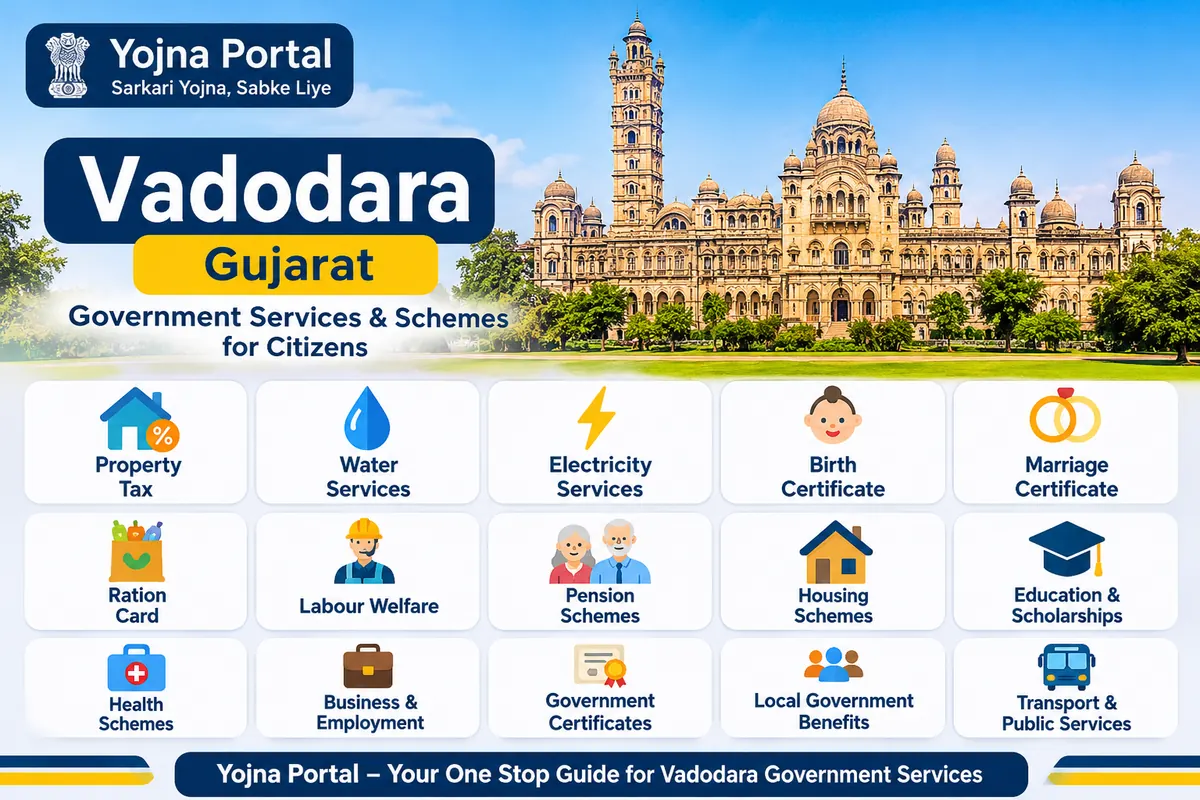
Vadodara Property Tax Online Payment Guide
Property owners in Vadodara are required to pay applicable municipal property tax to Vadodara Municipal Corporation (VMC). The corporation provides online property tax services through its official website, allowing citizens to search property records, check outstanding dues and make payments online.
This guide explains how to find your property tax record, check the payable amount, complete online payment and keep transaction details for future reference.
Official Website for Vadodara Property Tax Payment
Vadodara Municipal Corporation provides property tax services through its official website.
Visit Vadodara Municipal Corporation Official Website
Open the Property Tax section and select the available online payment service. The official website provides options including Search By Census No. and Online Payment Services.
Details Required for Online Property Tax Payment
Keep the following information ready before starting the payment process:
- Property Census Number, if available.
- Property owner name.
- Property address.
- Registered occupier information, where applicable.
- Internet banking or supported card payment details.
How to Pay Vadodara Property Tax Online
Step 1: Open the VMC Website
Visit the official Vadodara Municipal Corporation website at https://vmc.gov.in/.
Step 2: Open Property Tax Services
Locate the Property Tax section and select Online Payment Services or the available property tax payment option.
Step 3: Search Your Property
Use the available search facility to identify your property. You can use the Census Number or other search options provided by the municipal portal.
Step 4: Verify Property Details
Check the displayed owner information, occupier information, property address and tax details carefully before proceeding.
Step 5: Check Outstanding Tax
Review the property tax amount displayed by the portal. Verify the applicable dues and any additional charges before making payment.
Step 6: Select Payment Method
Choose an online payment method supported by the portal, such as the available banking or card payment facility.
Step 7: Complete Payment
Follow the payment gateway instructions and complete the transaction. Do not refresh the browser or close the payment page while the transaction is processing.
Step 8: Save Payment Confirmation
Save the transaction reference, bank confirmation and available municipal payment receipt for future records.
How to Check Whether Property Tax Payment Was Successful
After completing payment, verify the transaction through the available VMC property tax service. Check whether the outstanding amount has been updated and preserve the bank transaction reference.
If the payment amount has been deducted but the municipal record does not show an updated payment, avoid making another payment immediately. First verify the transaction with your bank and contact VMC through its official support channels.
Can Vadodara Property Tax Be Paid Offline?
Property owners who cannot use online payment facilities can contact the concerned VMC ward or revenue office to confirm currently available offline payment options and accepted payment methods. Carry the property Census Number and previous tax bill when visiting the office.
Important Things to Remember
- Always use the official VMC website.
- Verify the Census Number before payment.
- Check property details and outstanding dues carefully.
- Do not share banking passwords or OTPs with anyone.
- Keep transaction references and payment receipts safe.
- Do not repeat a payment until a failed or pending transaction has been verified.
Frequently Asked Questions
1. Where can I pay Vadodara property tax online?
You can access property tax services through the official Vadodara Municipal Corporation website at https://vmc.gov.in/.
2. Is the property Census Number required?
The Census Number is an important property identification detail and can be used through the available property search facility.
3. Can I check property tax before payment?
Yes. Use the property search facility to identify your property and review the available tax information before payment.
4. What payment methods are available?
Payment methods depend on the options currently enabled on the official VMC payment gateway.
5. What should I do if money is deducted but payment is not updated?
Verify the transaction with your bank and contact VMC with the transaction reference. Avoid duplicate payment until the earlier transaction is checked.
6. Can I pay property tax without visiting a municipal office?
Yes. The VMC website provides online property tax payment services.
7. How can I get help with property tax payment?
Visit the official VMC website or contact the corporation using its published support details.
Conclusion
Vadodara Municipal Corporation provides online property tax services to make municipal tax payment more convenient. Property owners should identify their property using the available search options, verify outstanding dues and complete payment through the official portal. Always preserve payment confirmation and check your municipal records after the transaction.


