
How to Check PF Balance Without Login: Missed Call and SMS Methods
Want to check your EPF balance but do not want to log in to the EPFO website or download an app? The Employees’ Provident Fund Organisation (EPFO) provides facilities that allow eligible members to check their latest PF contribution and balance through a missed call or SMS.
These methods are useful when you do not have internet access or simply want to check your PF balance quickly. You generally need an activated UAN and the mobile number registered with your UAN. You do not need to enter your EPFO portal password for these services.
In this guide, you will learn how to check PF balance without login using a missed call, SMS, the official EPFO portal and other important information.
Can You Check PF Balance Without Login?
Yes. EPFO provides two convenient methods for eligible UAN-activated members:
- Missed Call: Give a missed call to 9966044425 from your registered mobile number.
- SMS: Send an SMS in the prescribed format to 7738299899 from your registered mobile number.
Both services are designed to provide information about your latest PF contribution and available balance without signing in to the EPFO Member Passbook Portal.
Important: Without login does not mean without UAN. These facilities require an activated UAN and a mobile number registered with it. The missed-call service also has a KYC requirement.
1. How to Check PF Balance Through Missed Call
The missed-call facility is one of the easiest ways to check your PF balance without logging in. You can use this service from a basic mobile phone or smartphone.
Official EPFO Missed Call Number
9966044425
Steps to Check PF Balance Through Missed Call
- Take the mobile phone number registered with your UAN.
- Open your phone dialer.
- Call 9966044425.
- The call will automatically disconnect after approximately two rings.
- Wait for the SMS response from EPFO.
- Check the available PF balance and last contribution details in the message.
EPFO provides this missed-call service free of cost. You do not need to speak to an agent or enter your password.
Requirements for Missed Call Service
- Your UAN must be activated.
- Your mobile number must be registered with your UAN.
- At least one of the following KYC details should be seeded against your UAN: Bank Account Number, Aadhaar or PAN.
- You must call from the mobile number registered with your UAN.
2. How to Check PF Balance Through SMS
If you do not want to make a phone call, you can use EPFO’s SMS facility. It provides the latest PF contribution and balance information through a text message.
Official EPFO SMS Number
7738299899
SMS Format to Check PF Balance
Send the following message from your UAN-registered mobile number:
EPFOHO UAN
Send this SMS to 7738299899.
Steps to Check PF Balance Through SMS
- Open the messaging application on your mobile phone.
- Create a new SMS.
- Type EPFOHO UAN.
- Send the message to 7738299899.
- Wait for the response from EPFO.
- Check the PF balance and latest contribution details received in the SMS.
The SMS must be sent from the mobile number registered with your UAN. The service provides the available information recorded in EPFO systems.
3. How to Receive PF Balance Details in Hindi or Other Languages
EPFO’s SMS facility supports multiple Indian languages. You can add the language code after UAN in the SMS format to receive the response in your preferred language.
For example, to receive the response in Hindi, send:
EPFOHO UAN HIN
Send it to 7738299899 from your registered mobile number.
EPFO SMS Language Codes
| Language | Language Code |
|---|---|
| English | Default |
| Hindi | HIN |
| Punjabi | PUN |
| Gujarati | GUJ |
| Marathi | MAR |
| Kannada | KAN |
| Telugu | TEL |
| Tamil | TAM |
| Malayalam | MAL |
| Bengali | BEN |
Use the language code exactly as specified by EPFO. English is the default language when no language code is added.
4. What Information Do You Receive Through Missed Call or SMS?
Depending on the information available in EPFO records, the response may include:
- Latest PF contribution information.
- Available EPF balance details.
- Available KYC-related information.
- Details associated with your EPF account.
These services are intended for quick balance enquiries. They do not replace the detailed EPF passbook, which provides a more complete record of contributions and transactions.
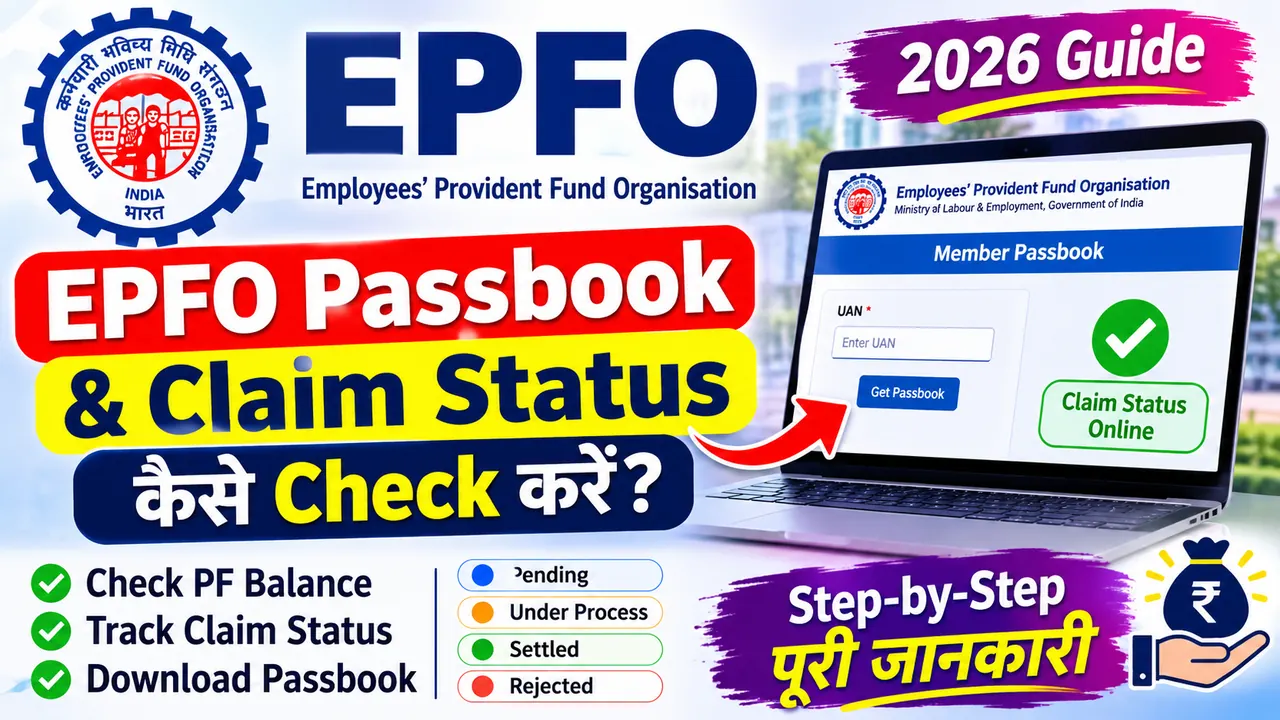
5. How to Check PF Balance Online Through the EPFO Passbook Portal
If you want to see detailed PF transactions, employee contributions, employer contributions and interest entries, use the official EPFO Passbook Portal.
Steps to Check PF Balance Online
- Visit the EPFO Passbook Portal.
- Enter your UAN.
- Enter your EPFO Member Portal password.
- Complete the captcha verification.
- Click Sign In.
- Select the relevant PF Member ID.
- View your passbook and available balance details.
You can also download your passbook as a PDF for your records.
6. Difference Between Checking PF Balance Without Login and With Login
| Without Login | With Login |
|---|---|
| Uses missed call or SMS. | Uses the EPFO Passbook Portal. |
| Does not require your portal password. | Requires UAN and password. |
| Provides available balance and latest contribution information. | Provides detailed passbook entries and transaction history. |
| Requires an activated UAN and registered mobile number. | Requires access to the Member Portal account. |
| Useful for quick balance enquiries. | Useful for detailed account verification. |
7. Why Is Your PF Balance SMS Not Received?
Sometimes you may not receive a response after sending an SMS or making a missed call. This can happen for several reasons:
1. Mobile Number Is Not Registered With UAN
EPFOs missed-call and SMS facilities require the mobile number registered with your UAN. Check whether you are using the correct number.
2. UAN Is Not Activated
If your UAN is not activated, the balance enquiry services may not work. Activate your UAN through the official EPFO Member Portal.
3. KYC Details Are Not Seeded
The missed-call facility requires at least one of the specified KYC details, such as Bank Account Number, Aadhaar or PAN, to be seeded against your UAN.
4. Incorrect SMS Format
Check that you have typed EPFOHO UAN correctly. If you want a language other than English, add the correct language code after UAN.
5. Temporary Service or Network Issue
Mobile network problems or temporary service interruptions may delay the response. Try again later if the service does not respond.
8. What to Do If Your PF Balance Is Not Updated?
If the balance received through SMS or missed call does not reflect a recent contribution, check your detailed EPF passbook.
- Open the official EPFO Passbook Portal.
- Sign in using your UAN and password.
- Select the relevant Member ID.
- Check the latest contribution entries.
- Verify whether the employers contribution has been recorded.
- If the expected contribution is missing, contact your employer or payroll department.
Remember that the SMS or missed-call response may provide the latest information available in EPFO records. It should not be treated as a complete transaction statement.
9. Important Safety Tips While Checking PF Balance
- Use only the official EPFO phone numbers and websites.
- Never share your UAN password or OTP with unknown people.
- Do not share Aadhaar, PAN or bank details with callers claiming to be EPFO officials.
- EPFO warns members against making payments to agents for PF-related services.
- Do not click suspicious links received through SMS or messaging applications.
- Use the official EPFO portal for detailed account information.
Frequently Asked Questions (FAQs)
1. How can I check my PF balance without login?
You can check your PF balance without logging in through EPFOs missed-call or SMS facilities. Use your UAN-registered mobile number. The missed-call service requires an activated UAN and at least one specified KYC detail seeded against it.
2. What is the missed-call number for checking PF balance?
The EPFO missed-call number for PF balance enquiry is 9966044425. Call from your registered mobile number.
3. What is the SMS number for checking PF balance?
Send an SMS to 7738299899 using the format EPFOHO UAN from your registered mobile number.
4. Can I check PF balance without UAN?
The standard EPFO missed-call and SMS balance enquiry facilities require an activated UAN. If you do not know your UAN, retrieve it through the official EPFO Member Portal or contact your employer.
5. Can I check PF balance without internet?
Yes. You can use the missed-call or SMS service without an internet connection, provided your UAN is activated and your mobile number is registered with EPFO.
6. Is the EPFO missed-call service free?
Yes. EPFOs missed-call balance enquiry facility is provided free of cost to members.
7. Can I receive PF balance details in Hindi?
Yes. Send EPFOHO UAN HIN to 7738299899 from your registered mobile number to request the response in Hindi.
8. Does the missed-call service show the complete PF passbook?
No. The missed-call service provides available balance and latest contribution information. For detailed monthly transactions and contribution entries, use the EPFO Passbook Portal.
9. Can I check my employers PF contribution through SMS?
The SMS response may include the latest contribution information available in EPFO records. For a detailed breakdown of employee and employer contributions, check your EPF passbook.
10. What should I do if I do not receive an SMS from EPFO?
Verify your registered mobile number, UAN activation and SMS format. For the missed-call facility, also check the KYC requirement. If the issue continues, use the official EPFO portal or contact EPFO.
Conclusion
Checking your PF balance without login is simple with EPFOs missed-call and SMS facilities. You can give a missed call to 9966044425 or send EPFOHO UAN to 7738299899 from your registered mobile number.
These services are useful for quick balance enquiries without entering your EPFO portal password. However, an activated UAN and registered mobile number are required. For detailed contribution history and monthly transactions, use the official EPFO Passbook Portal.


