
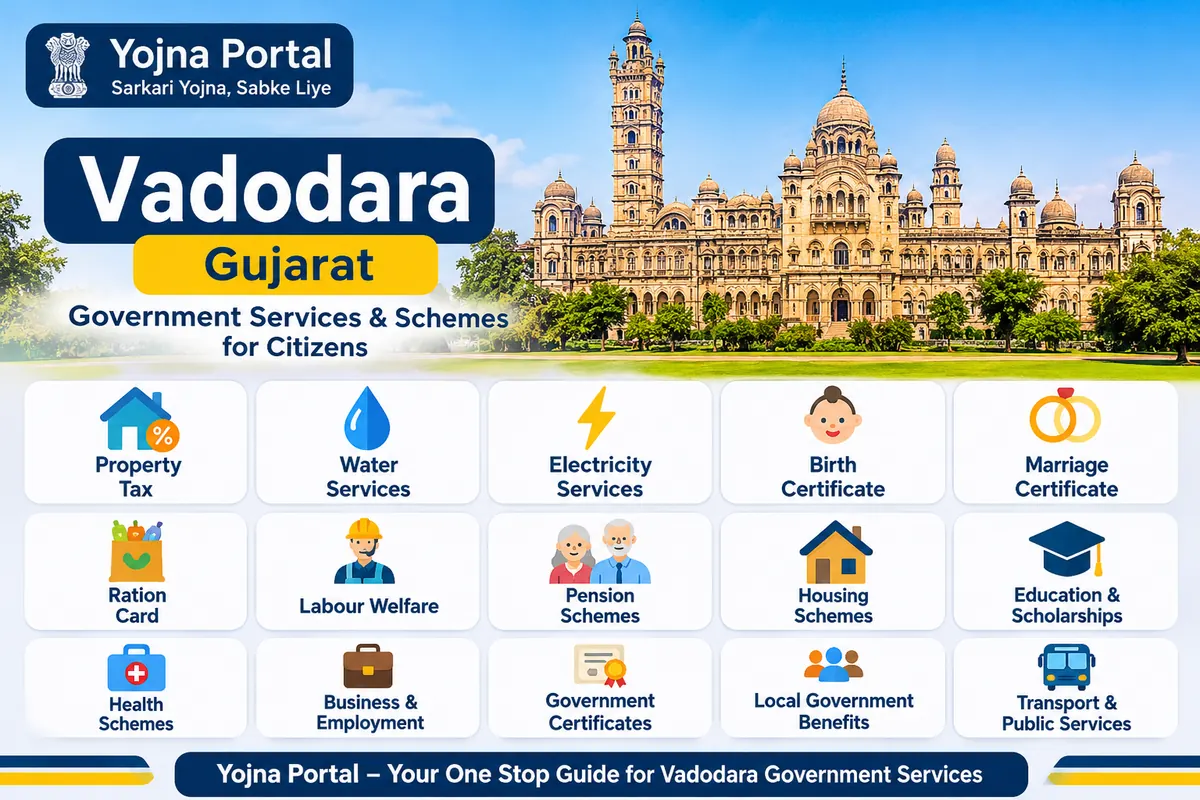
Vadodara Marriage Certificate Online Registration Process
A marriage certificate is an important legal document that records the marriage of two individuals. It can be useful for passport applications, visa documentation, updating government records, banking services and other official purposes. Residents of Vadodara can use the official Gujarat eNagar services or the Vadodara Municipal Corporation marriage registration facility, depending on the applicable process and jurisdiction.
Official Marriage Registration Portals in Vadodara
Before applying, identify the registration route applicable to your marriage. Gujarat provides marriage registration services through the eNagar portal. Vadodara Municipal Corporation also provides an online token and appointment facility for marriages solemnised within Vadodara city limits.
- Gujarat eNagar Marriage Registration: Official eNagar Marriage Registration
- VMC Online Marriage Registration: VMC Token for Marriage Registration
- VMC Department: Birth, Death and Marriage Registration Department
- Vadodara District Information: Birth, Death and Marriage Registration
Who Can Apply for Marriage Registration?
Couples whose marriage falls within the jurisdiction and eligibility requirements of the concerned Registrar can submit a marriage registration application. The VMC online token page specifically states that the marriage must have been solemnised within Vadodara city limits for that VMC appointment process.
If the marriage took place outside Vadodara, do not assume that the VMC token service will accept the application. Check the applicable eNagar service or contact the Registrar having jurisdiction before submitting the application.
How to Apply for Marriage Certificate Online in Vadodara
Option 1: Apply Through Gujarat eNagar
- Open the official Gujarat eNagar Marriage Registration page.
- Create an account using the registration method provided on the portal.
- Open Online Services and select Registration of Marriage.
- Fill in the application details for the groom, bride, witnesses and priest who solemnised the marriage, wherever requested.
- Upload the required identity, age and marriage-related documents.
- Review the information and submit the application.
- Pay the applicable fee through the available online payment facility.
- Follow the instructions for an appointment and physical verification at the concerned Registrar office.
- After verification and approval, use the portal instructions to access the certificate if the digital certificate facility is available for the application.
Option 2: Apply Through VMC Online Token System
- Visit the official VMC Marriage Registration Token page.
- Read the eligibility and document instructions carefully. The VMC page says the marriage must be solemnised within Vadodara city limits.
- Select Generate Token and enter the requested marriage and applicant details.
- Complete the online administration fee payment as instructed on the portal.
- Print the token or appointment receipt and the marriage memorandum form.
- Fill the required forms in duplicate and arrange the supporting documents.
- Visit the marriage registration office as per the appointment instructions with the bride and groom.
- Complete document verification and any remaining registration formalities.
- Follow the instructions provided by VMC for receiving the marriage certificate.
The VMC page states that the certificate is delivered by speed post to the residence of the bride or groom after completion of the process. Confirm the latest delivery instructions on the portal.
Documents Generally Required
The VMC marriage registration instructions list the following documents and supporting records:
- School leaving certificate or latest birth certificate of the bride and groom.
- Address proof of the bride and groom, such as Aadhaar card, valid driving licence, passport, voter ID or ration card.
- Address proof of the priest.
- Address proof of two local witnesses.
- Marriage invitation card. If it is not available, the VMC instructions refer to a notarised affidavit mentioning the marriage date and place.
- Wedding photographs as required under the applicable process.
- Marriage registration form or memorandum completed in duplicate.
- Agreement stamps as specified by the VMC instructions.
- Valid divorce document or death certificate of a former spouse, where applicable.
VMC instructions require the documents to be attested by a Gazetted Officer or notary public. Requirements can vary by application type, so confirm the current checklist before visiting.
Witness and Physical Verification Requirements
The VMC online marriage registration instructions require the bride and groom to appear in person at the marriage registration office. The signatures of both witnesses and the priest are required on the marriage memorandum. The VMC instructions also specify identity or residence proof for the witnesses and priest.
The eNagar workflow describes an office visit for physical verification of original documents. Follow the appointment and attendance instructions displayed for your application.
Marriage Registration Office in Vadodara
Vadodara Municipal Corporation lists its Birth, Death and Marriage Registration Department at Manjalpur Sports Complex for relevant registration facilities. The district administration also provides information about marriage registration at the Sub Registrar office, 6th floor, Kuber Bhavan, Vadodara. Confirm which office is responsible for your application before visiting.
- VMC Department: Birth, Death and Marriage Registration.
- VMC inquiry phone: 0265-2417422.
- VMC department page: Official VMC Department Details.
- District information: Vadodara District Marriage Registration Information.
Important Points Before Applying
- Check whether your marriage falls within the jurisdiction of VMC or another Registrar.
- Enter the names and dates exactly as shown in the supporting documents.
- Keep original documents ready for physical verification.
- Use the official portal for token generation and fee payment.
- Do not pay agents or intermediaries who promise guaranteed approval.
- Keep the application number, token receipt and payment acknowledgement safe.
Frequently Asked Questions
1. How can I apply for a marriage certificate in Vadodara?
You can check the Gujarat eNagar marriage registration service or the VMC online token system, depending on your jurisdiction and the applicable process.
2. Can I apply online through VMC?
VMC provides an online token and appointment facility. Its instructions specify that the marriage must have been solemnised within Vadodara city limits.
3. Is an office visit required?
The published VMC and eNagar instructions include physical verification and office formalities. Follow the appointment instructions for your application.
4. Are witnesses required?
Witness details and supporting identity documents are part of the VMC marriage registration requirements. The marriage memorandum also requires witness and priest signatures.
5. Can I apply if the marriage took place outside Vadodara?
The VMC token page specifies marriages solemnised within Vadodara city limits. Check the applicable eNagar service or contact the Registrar for marriages performed elsewhere.
6. How will I receive the marriage certificate?
The VMC instructions mention delivery by speed post after completion of registration. The eNagar workflow describes access to a digitally signed certificate through the portal where that facility is available.
Official Sources
- Gujarat eNagar Marriage Registration
- VMC Online Marriage Registration Token
- VMC Birth, Death and Marriage Registration Department
- Vadodara District Administration Marriage Registration Information
Disclaimer: This article is for general information. The applicable registration process, jurisdiction, documents, fees and certificate delivery method must be confirmed through the official portal or the concerned Registrar.


