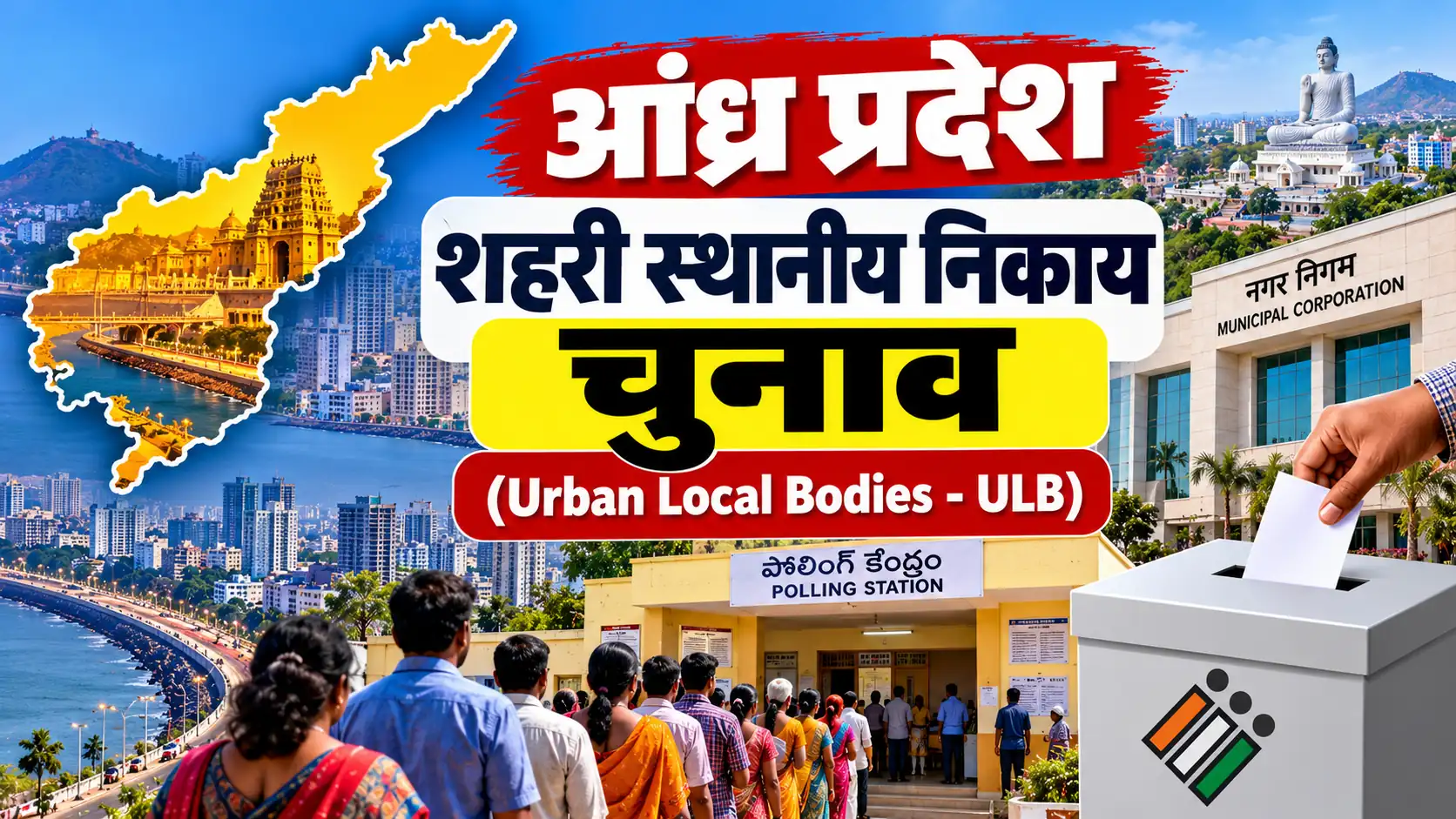
How to Link Aadhaar with Voter ID Online
Indian voters can voluntarily submit their Aadhaar details to the Election Commission of India (ECI) for authentication of their entries in the electoral roll. Existing registered voters can use Form 6B through the official Voters Services Portal. This guide explains the online process, documents required, alternative documents, application tracking and important rules.
Aadhaar and Voter ID Linking: Key Information
- Official authority: Election Commission of India
- Form: Form 6B
- Application mode: Online or offline
- Is linking mandatory? No. Submission of Aadhaar details is voluntary under the applicable rules.
- Official portal: Voters Services Portal
- Helpline: 1950
Is It Mandatory to Link Aadhaar with Voter ID?
No. According to the Election Commission of India, submission of Aadhaar details for electoral-roll authentication is voluntary. An eligible elector cannot have their name deleted from the electoral roll solely because they have not submitted Aadhaar details.
The Election Laws (Amendment) Act, 2021 introduced provisions for collecting Aadhaar information for electoral-roll authentication, subject to the applicable law and safeguards. Form 6B is used by existing electors to provide this information voluntarily.
Voters who do not have an Aadhaar number can use the alternative-document option specified in Form 6B, subject to the official requirements. Always check the current form and instructions before applying.
What Is Form 6B?
Form 6B is the official form titled Letter of Information of Aadhaar Number for the Purpose of Electoral Roll Authentication. It enables an existing registered elector to voluntarily provide Aadhaar information for authentication of their entry in the electoral roll.
Form 6B is different from Form 6, which is used for new voter registration. If you already have a voter registration and want to submit Aadhaar details, look for the Aadhaar submission service on the official portal.
Documents and Information Required
Before starting the process, keep the following information ready, as applicable:
- Your EPIC number, also known as your Voter ID number.
- Your Aadhaar number, if you choose to provide it voluntarily.
- Your name and other details as requested by the official form.
- A mobile number and access to any required account verification.
- If you do not have an Aadhaar number, one of the alternative documents permitted by Form 6B.
The official Form 6B lists alternative documents for electors who cannot furnish Aadhaar because they do not have an Aadhaar number. These include a MGNREGA job card, a bank or post-office passbook with photograph, a driving licence, PAN card, Indian passport, pension document with photograph and other specified documents. Check the latest form for the complete list and eligibility conditions.
How to Link Aadhaar with Voter ID Online
Follow these steps to submit your Aadhaar information through the official Election Commission portal.
- Open the official portal: Visit https://voters.eci.gov.in/.
- Sign in or register: Use the available login or sign-up option and complete the required verification.
- Open the Forms section: Locate the electoral authentication service for submitting Aadhaar details, associated with Form 6B.
- Confirm your voter registration: Select the option indicating that you have an EPIC/Voter ID number, if applicable.
- Enter your EPIC number: Provide your voter ID details and fetch or verify your record as directed by the portal.
- Provide Aadhaar information: If you voluntarily choose to submit Aadhaar details, enter the requested information carefully.
- Use the alternative option if applicable: If you do not have an Aadhaar number, select the relevant option and provide an accepted alternative document as instructed.
- Review the declaration: Check your details and complete the declaration and verification steps displayed on the portal.
- Submit the application: Review the information and confirm submission.
- Save the reference number: Keep the acknowledgement or reference number displayed after successful submission.
Portal screens and menu labels may change. Follow the current instructions displayed by the Election Commission rather than relying solely on screenshots or older guides.
How to Submit Form 6B Offline
If you cannot complete the process online, you can check with your local election office or Booth Level Officer (BLO) about the offline submission procedure.
- Obtain Form 6B from the official Election Commission website or the relevant election office.
- Enter your voter registration details as required.
- Provide Aadhaar details voluntarily or select the applicable alternative-document option if you do not have Aadhaar.
- Complete the declaration and sign the form where required.
- Submit the form through the authorised channel and keep an acknowledgement if provided.
Confirm the accepted submission method with your local election office before handing over any document.
How to Check the Submission Status
After submitting Form 6B online, retain your reference number or acknowledgement. Use the official portal to check the availability of application tracking or relevant service information.
- Visit the Voters Services Portal.
- Sign in using the available login method.
- Open the relevant forms or application-status service.
- Enter the requested reference details, if prompted.
- Review the status displayed and follow any additional instructions.
The exact tracking options for Form 6B may depend on the portal workflow. If you cannot find the relevant status, contact your local election office or call the voter helpline at 1950.
What If You Do Not Have an Aadhaar Number?
You do not need to obtain an Aadhaar number solely to avoid deletion from the electoral roll on the ground of non-submission. ECI guidance states that Aadhaar submission is voluntary and that non-submission alone is not a ground for deleting an elector from the electoral roll.
Form 6B includes an option for electors who cannot furnish Aadhaar because they do not have an Aadhaar number. It lists specified alternative documents. Review the current form to select an accepted document and follow the official instructions.
Important Safety Instructions
- Use only the official Election Commission portal for online submission.
- Providing Aadhaar information for electoral-roll authentication is voluntary under the applicable rules.
- Do not share your Aadhaar number, OTP or portal password with unauthorised persons.
- Check the URL before entering personal information.
- Keep your EPIC number and submission acknowledgement secure.
- Do not pay an unofficial agent who claims that Aadhaar linking is compulsory.
- For official help, contact the voter helpline at 1950 or your local election office.
Frequently Asked Questions (FAQs)
1. Is linking Aadhaar with Voter ID compulsory?
No. The Election Commission states that submission of Aadhaar details for electoral-roll authentication is voluntary. Non-submission alone is not a ground for deleting an elector from the electoral roll.
2. Which form is used to link Aadhaar with Voter ID?
Existing electors can use Form 6B to voluntarily submit Aadhaar information for electoral-roll authentication.
3. Can I submit Form 6B online?
Yes. The official Voters Services Portal provides the electoral authentication service for submitting Aadhaar details. Follow the current portal instructions.
4. What if I do not have an Aadhaar card?
Form 6B provides an alternative-document option for eligible electors who do not have an Aadhaar number. Check the official form for the accepted document list.
5. Is there a fee for submitting Aadhaar details?
Use the official Election Commission service and check the current instructions. Do not pay an unauthorised agent for a service represented as compulsory.
6. Can I submit Form 6B offline?
You can obtain the form and check the authorised offline submission procedure with your local election office or Booth Level Officer.
7. Will my voter registration be cancelled if I do not link Aadhaar?
According to ECI guidance, an electors entry cannot be deleted from the electoral roll solely because Aadhaar details have not been submitted.
8. Where can I get help with Aadhaar and Voter ID?
Visit the official Voters Services Portal or contact the Election Commission voter helpline at 1950.
Official Links for Aadhaar and Voter ID
| Service | Official Link |
|---|---|
| Voters Services Portal | Open Portal |
| Form 6B PDF | Download Form 6B |
| ECI clarification on Aadhaar linking | Read Official Clarification |
| Find your name in the electoral roll | Search Electoral Roll |
| Election Commission of India | Official Website |